Node.js hosting
Deploy a Node.js Application with Docker
9 min readDeployVera team
Development servers, incorrect ports and oversized images are common obstacles when moving Node.js to production. A short checklist prevents many of them.
Use a production start command
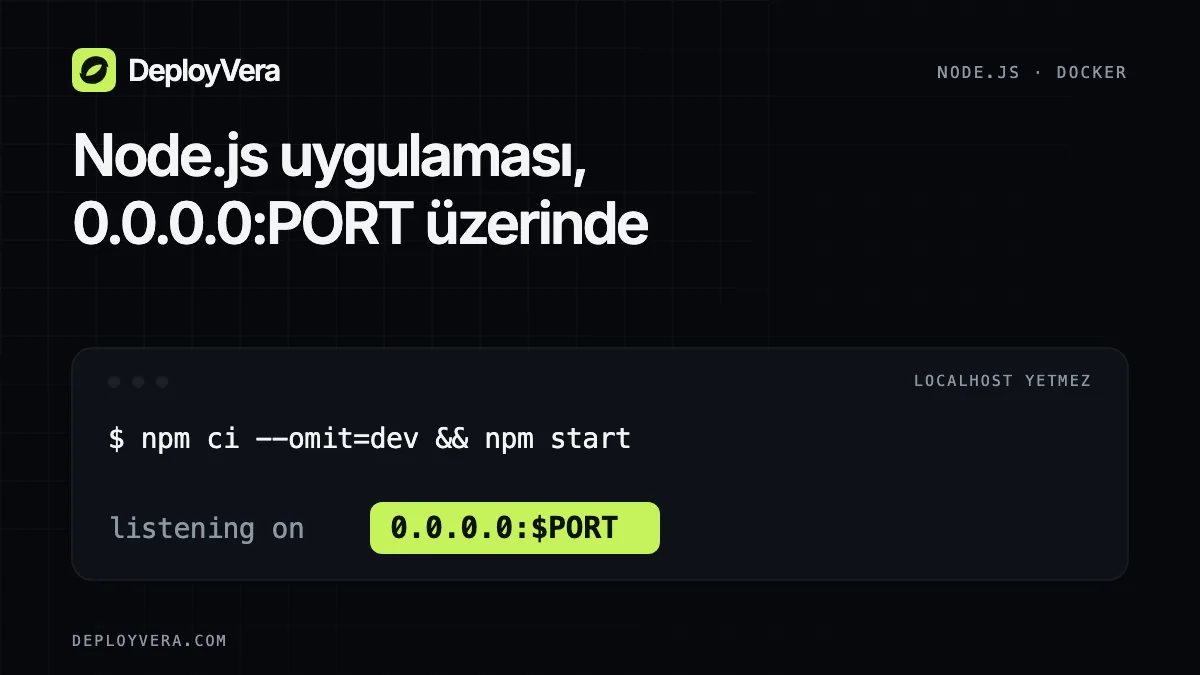
The start command in package.json should run the built application, not a development watcher. If you have a lockfile, npm ci installs dependencies reproducibly.
Make the container reachable
Listen on 0.0.0.0 rather than localhost, using the port from the PORT environment variable. Add secrets as runtime environment variables, not to the image.
- 1.Install production dependencies
- 2.Build TypeScript if needed
- 3.Run as a non-root user
- 4.Use one explicit start command
From GitHub to DeployVera
After connecting the repository, choose the branch, build method and port. Once the build completes, open the application URL and verify its health endpoint and database connection. Do not rely on the container's temporary filesystem for persistent files.