deploy a Docker application
How to Deploy a Docker Project: From GitHub to Production
Deploying a Docker project takes more than building an image. Repository access, the listening port, secrets and build output all need to work together.
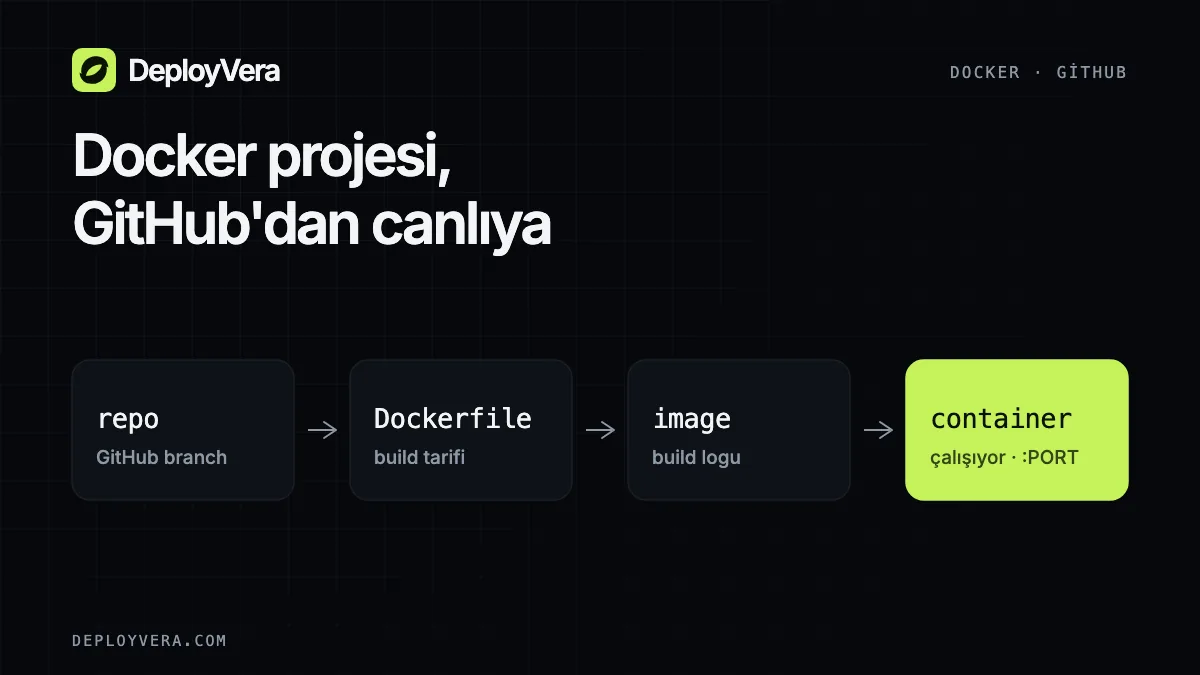
Check before you deploy
Make sure your application runs locally with its production command and listens on 0.0.0.0. Never put secrets in the Dockerfile.
- 1.A Dockerfile or supported project configuration
- 2.The correct application port
- 3.The latest commit pushed to GitHub
- 4.Environment variables to set at runtime
Choose a repository and branch in DeployVera
After connecting GitHub, choose an accessible repository and the branch to deploy. DeployVera uses your plan's resource limits during the build and at runtime.
- 1.Connect your GitHub account
- 2.Select the repository and branch
- 3.Confirm Dockerfile, Nixpacks or Railpack as the build method
- 4.Set the port and, if needed, the publish directory
From build logs to a running URL
Build logs show dependency installation and image creation. When the build succeeds, your application opens at a temporary DeployVera URL. Check the homepage, critical API endpoints and restart behavior.
If a build fails, find the first meaningful error in the log. The last line often only reports that the build failed.